

The move_to_element_with_offset() method moves the mouse pointer to a location relative to a particular WebElement. The offsets are measured from the in-view center point of the element, not from its top-left corner. Positive and negative values can be used for both coordinates.
It is useful when an interaction needs to target a specific location within or around an element instead of its default center position.
Finding the Element
Before using the method, first locate the required web element. In current Selenium Python syntax, find_element() is used with a locator from selenium.webdriver.common.by.By. For example:
from selenium.webdriver.common.by import By
element = driver.find_element(By.ID, "passwd-id")
Other locator strategies can also be used, such as By.NAME, By.CLASS_NAME, By.CSS_SELECTOR, and By.XPATH.
Syntax
ActionChains(driver).move_to_element_with_offset(
to_element, xoffset, yoffset
)
Parameters:
- to_element: The WebElement to use as the reference point.
- xoffset: Horizontal offset from the element's in-view center.
- yoffset: Vertical offset from the element's in-view center.
The method returns the ActionChains object, so other actions can be chained before calling perform().
Example
In this example, a large clickable box is created directly in the browser. move_to_element_with_offset() moves the pointer to a specific position relative to the box and clicks it.
from selenium import webdriver
from selenium.webdriver.common.by import By
from selenium.webdriver.common.action_chains import ActionChains
import time

driver = webdriver.Chrome()

driver.get(
    "data:text/html,"
    "<div id='box' onclick='this.innerHTML=\"Clicked\"' "
    "style='width:400px;height:200px;background:lightblue;"
    "font-size:30px;text-align:center;padding-top:50px'>"
    "Click Area</div>"
)

box = driver.find_element(By.ID, "box")

ActionChains(driver).move_to_element_with_offset(
    box, 50, 30
).click().perform()

time.sleep(2)
driver.quit()
Output
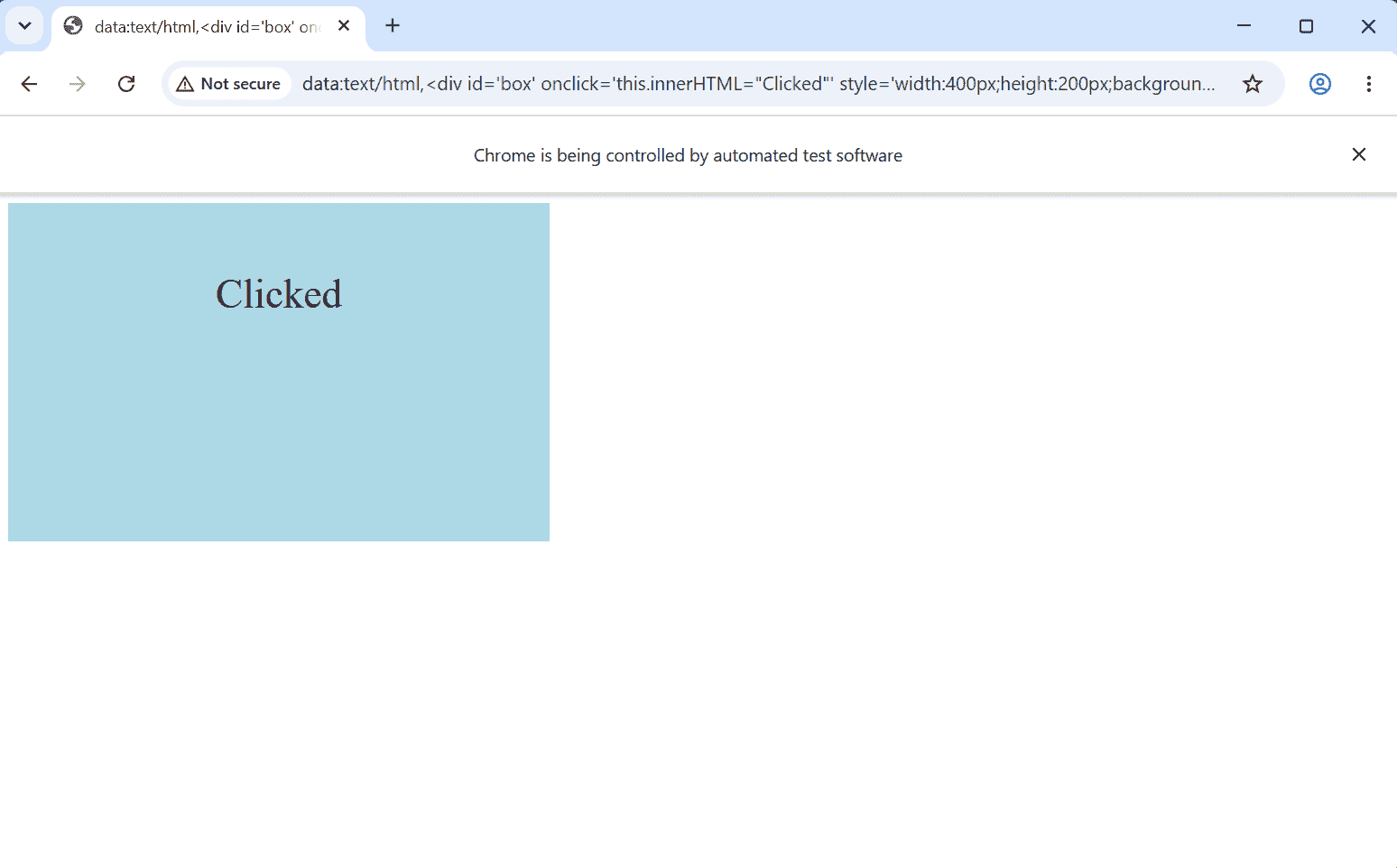
Explanation:
- webdriver.Chrome() starts a Chrome browser session.
- driver.get() opens a simple HTML page containing a large clickable box.
- find_element(By.ID, "box") locates the box using its id.
- ActionChains(driver) creates an action chain for mouse interactions.
- move_to_element_with_offset(box, 50, 30) moves the mouse to a position offset from the element's in-view center.
- .click() adds a click action at that position.
- .perform() executes the mouse movement and click.
- time.sleep(2) keeps the browser open for 2 seconds so the result can be observed.
- driver.quit() closes the browser after the action is completed.